
Continue using the way you normally work or study — books, notes, paper, laptop, documents or online resources. Study Klocka works alongside them by recording the focused time you dedicate to each subject or thinking task.
Register and configure on the web
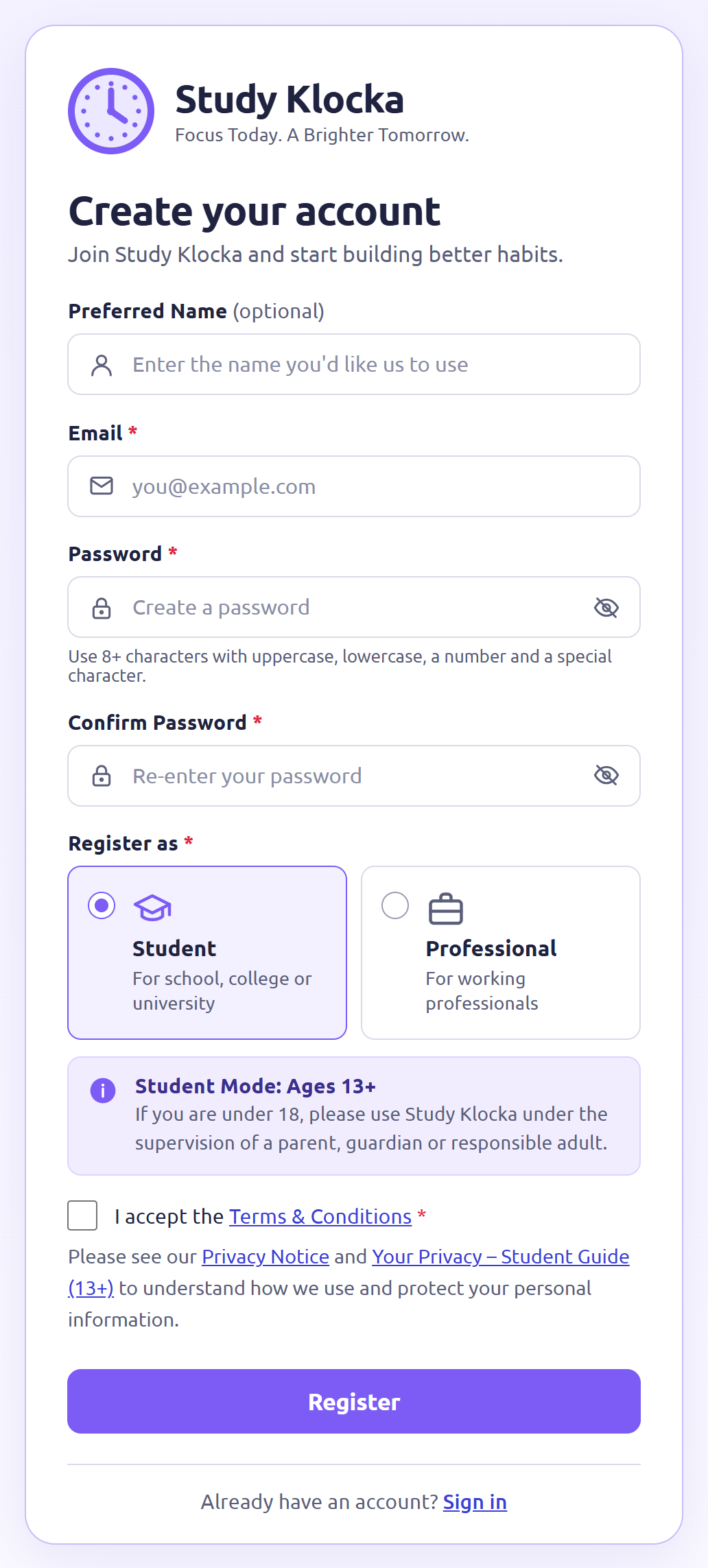
Start with a 15-day free trial by registering through the Study Klocka website. Your initial setup is completed through the web interface.
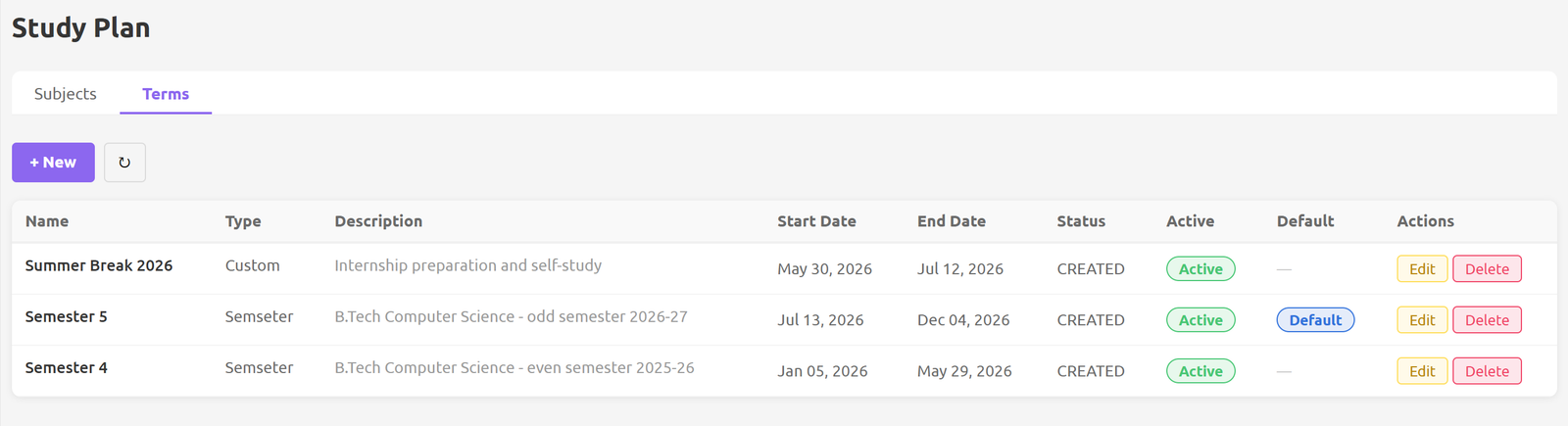
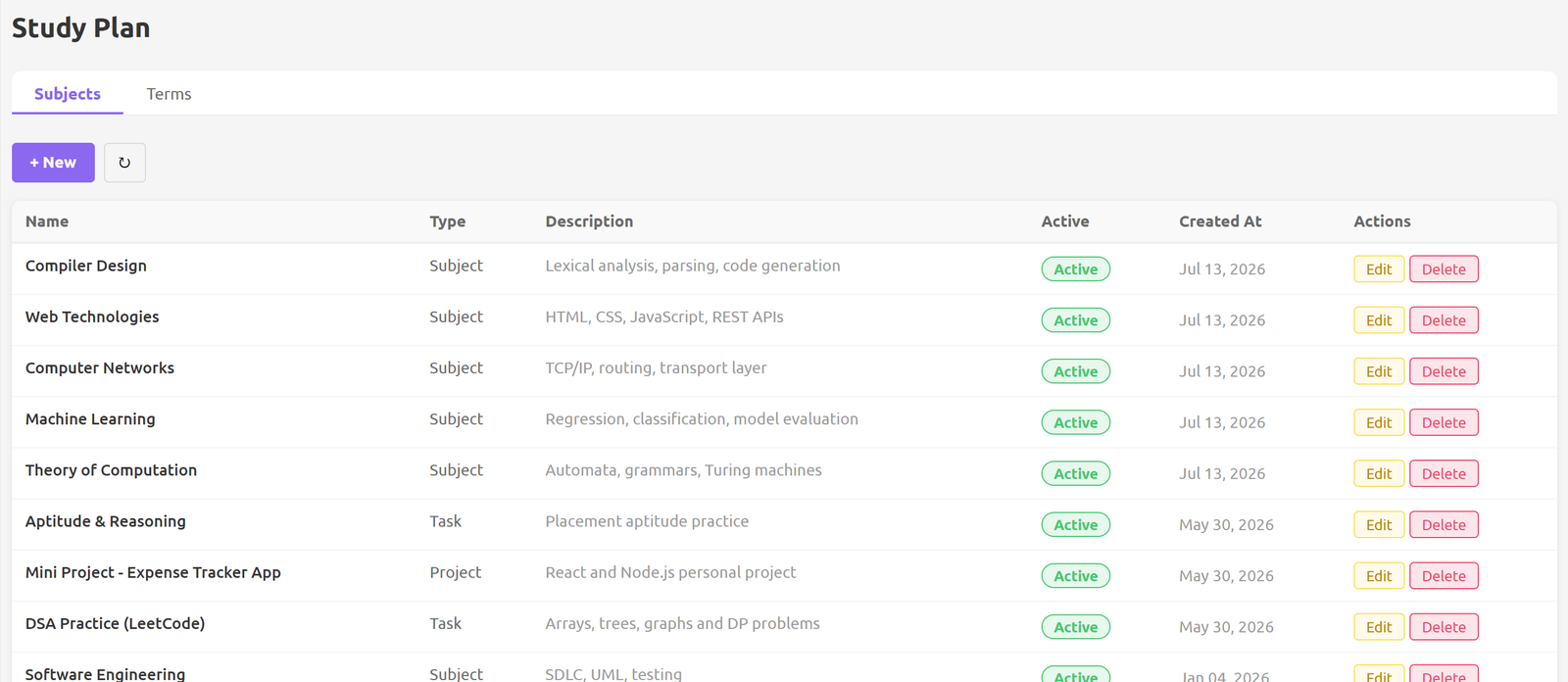
For professionals — define your work period and add the important thinking tasks or learning areas you want to focus on and track.
For students — define your academic year or term and add the subjects you want to study.
Need help with setup?
If you prefer, we can complete the initial setup for you at no additional cost. Contact us and we will send you the information required to get started.
Set your focus time
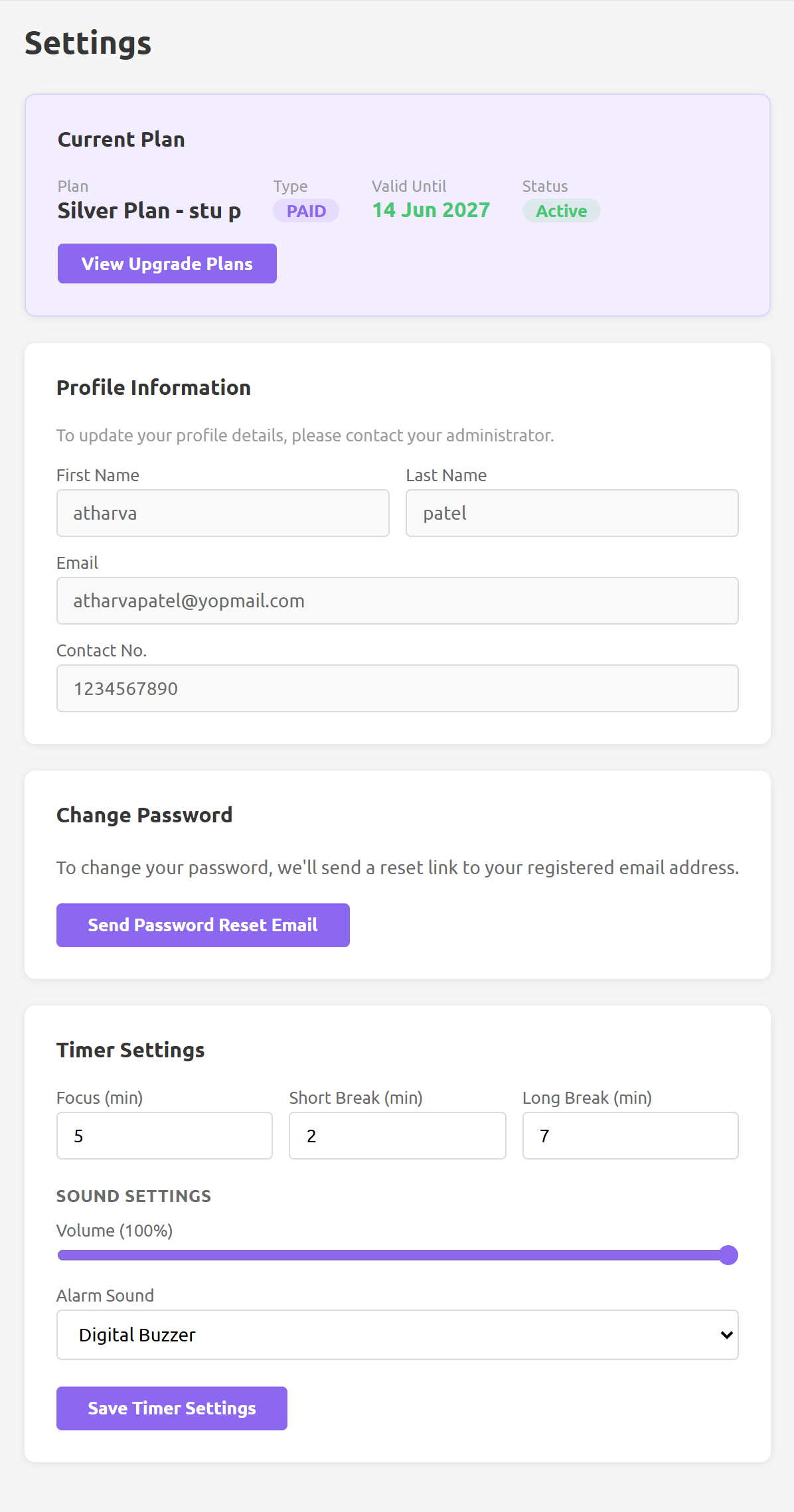
Select the thinking task or subject you want to work on. Study Klocka is initially configured for a 25-minute focus period, but the duration is flexible.
When getting started feels difficult, a shorter focus period can make the first step more manageable. For more sustained thinking or study, choose a longer session.
Take a timely break at the end of a focused session before continuing.
Start focusing
Select your configured subject or thinking task and press Start. Continue with your actual work or study in your normal way.
When the focus period ends, Study Klocka alerts you and records the focused time against the subject or task you selected.
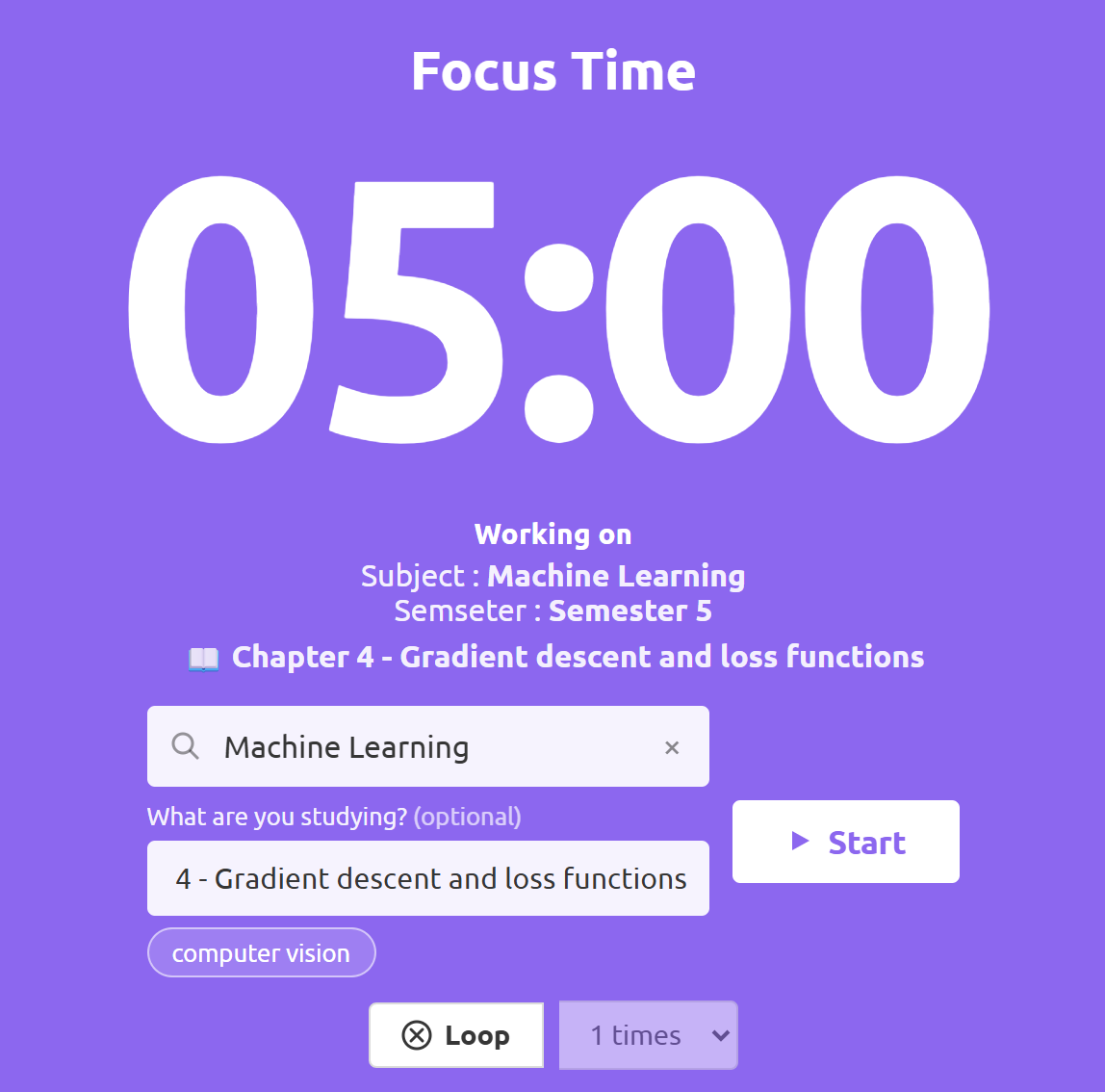
Use Study Klocka on web or mobile
Initial registration and the setup of your subjects or thinking tasks are completed through the Study Klocka website. Once this is done, you can run your focus sessions either on the web or through the Study Klocka mobile app.


Please note
Once your subjects or thinking tasks are set up on the web, the mobile app lets you select one, choose your focus time and start your session. Registration, adding or changing subjects and thinking tasks, and viewing dashboards and reports are available through the web interface only.
See where your focused time goes
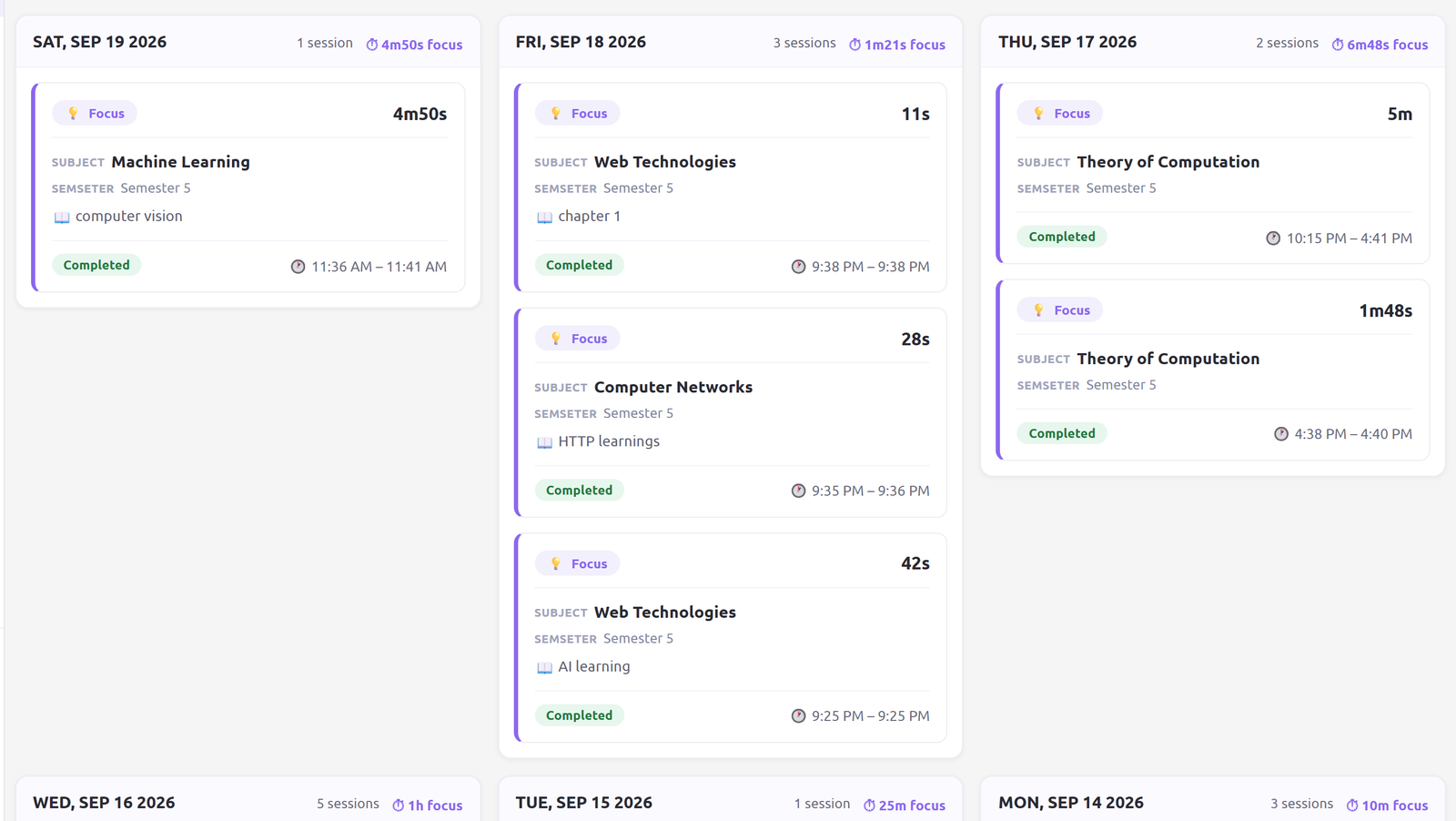
Every completed session contributes to your focused-time history. Professionals can see how focused time is allocated across important thinking tasks, while students can see how focused study time is allocated across different subjects.
Through the web dashboard and reports, Study Klocka helps you understand your focused effort, consistency and progress over time.
The thinking behind it
A research-informed approach
Study Klocka draws on established research in learning, attention and behavioural self-regulation.
Return to it over time
Learning can be strengthened by returning to it over time, rather than relying only on a single period of study.
Work in focused periods
Structuring demanding mental work into focused periods, with timely breaks, helps reduce fatigue.
Start smaller
Using smaller first steps when getting started feels difficult makes a session easier to begin and complete.
Study Klocka applies these ideas in a practical way — helping students and professionals deliberately make time for learning or thinking, return to what needs attention, and track how consistently that focused time is being invested.
Study Klocka is a productivity and focus tool and is not a medical or clinical treatment.